
Expanded micro-interactions from isolated experiments into a team-wide design practice.
Influence
 CoinGecko · 2025
Motion
UI Design
Prototyping
Yuan Jie · Motion Lead, Product Designer
Ivy Ho · Product Designer
Tiong Woon · Product Lead
Rachel · Software Engineer
Sammie · Mobile Engineer
Outcomes
Expanded micro-interactions from isolated experiments into a team-wide design practice.
Influence
Helped 80% of tested users describe the product as more lively and responsive.
METRIC
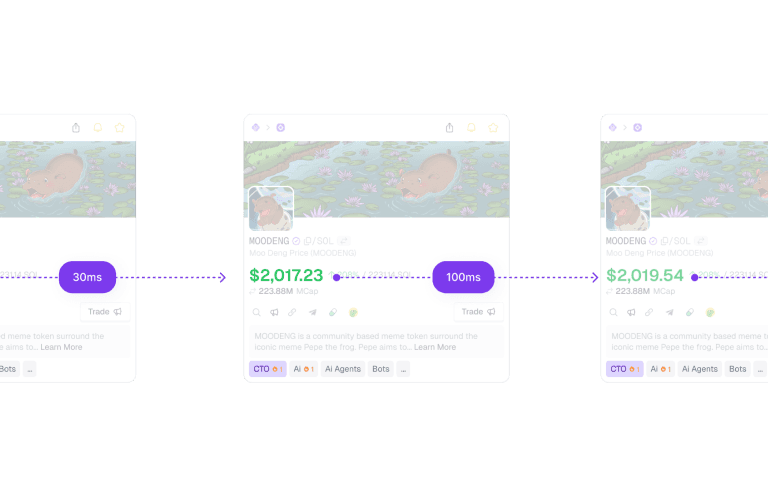
Established reusable motion patterns across App and Web.
DESIGN SYSTEM
🕒
We learned that
GeckoTerminal contains live prices, swaps, alerts, watchlists and rapidly changing token activity. Although the underlying data was always moving (every second!), much of the interface communicated those changes through static numbers and slow state changes.
This created a disconnect: the market felt alive, but the product did not.
For GeckoTerminal, this challenge was not simply to make the interface more animated, but to help traders notice important changes without overwhelming them.
Thus, I embarked on a 6 months journey to kickstart the adoption of Micro-Interactions in GeckoTerminal, and then in the wider design team.
Motion should accentuate changes in information, helping traders notice what happened, understand system feedback, and direct their attention without adding more clutter.
We applied this principle across 6 recurring moments in the GeckoTerminal experience.
TRANSACTION TABLE
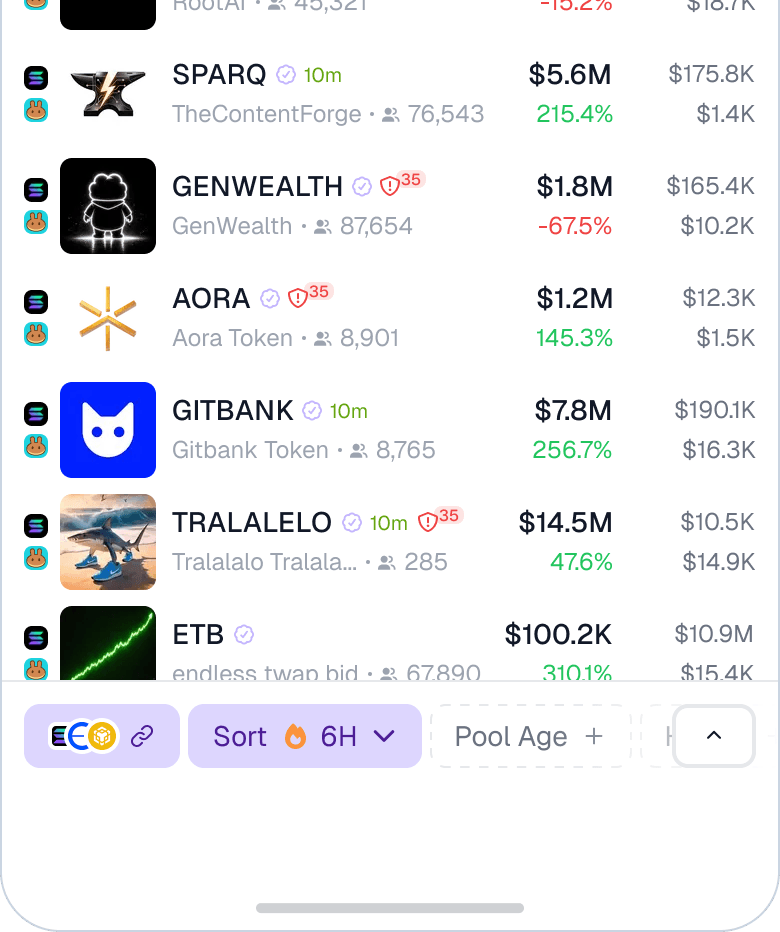
SIDEBAR
We will automatically sync watchlisted tokens to your email.
Enriched token information such as banners, images and descriptions.
Peek deep into each token's holders, and analyse what they are up to.
ONBOARDING
UNHAPPY FLOWS

POPOVERS AND TOOLTIPS
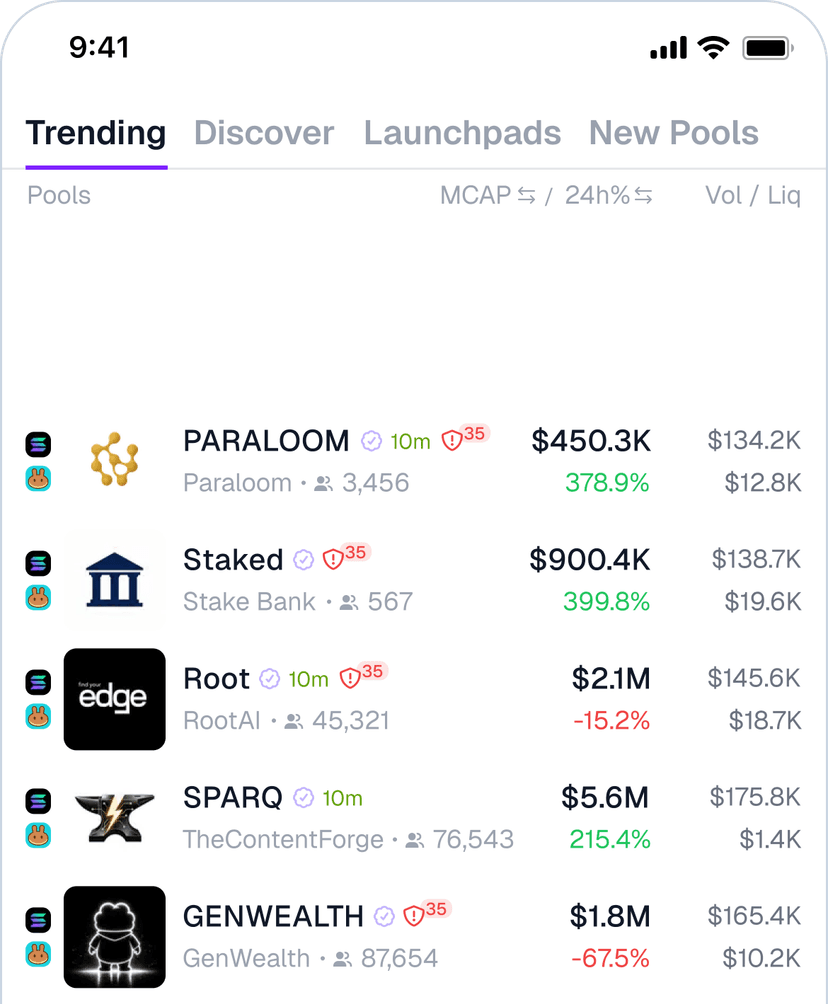
LOADING STATES
DESIGN SYSTEM
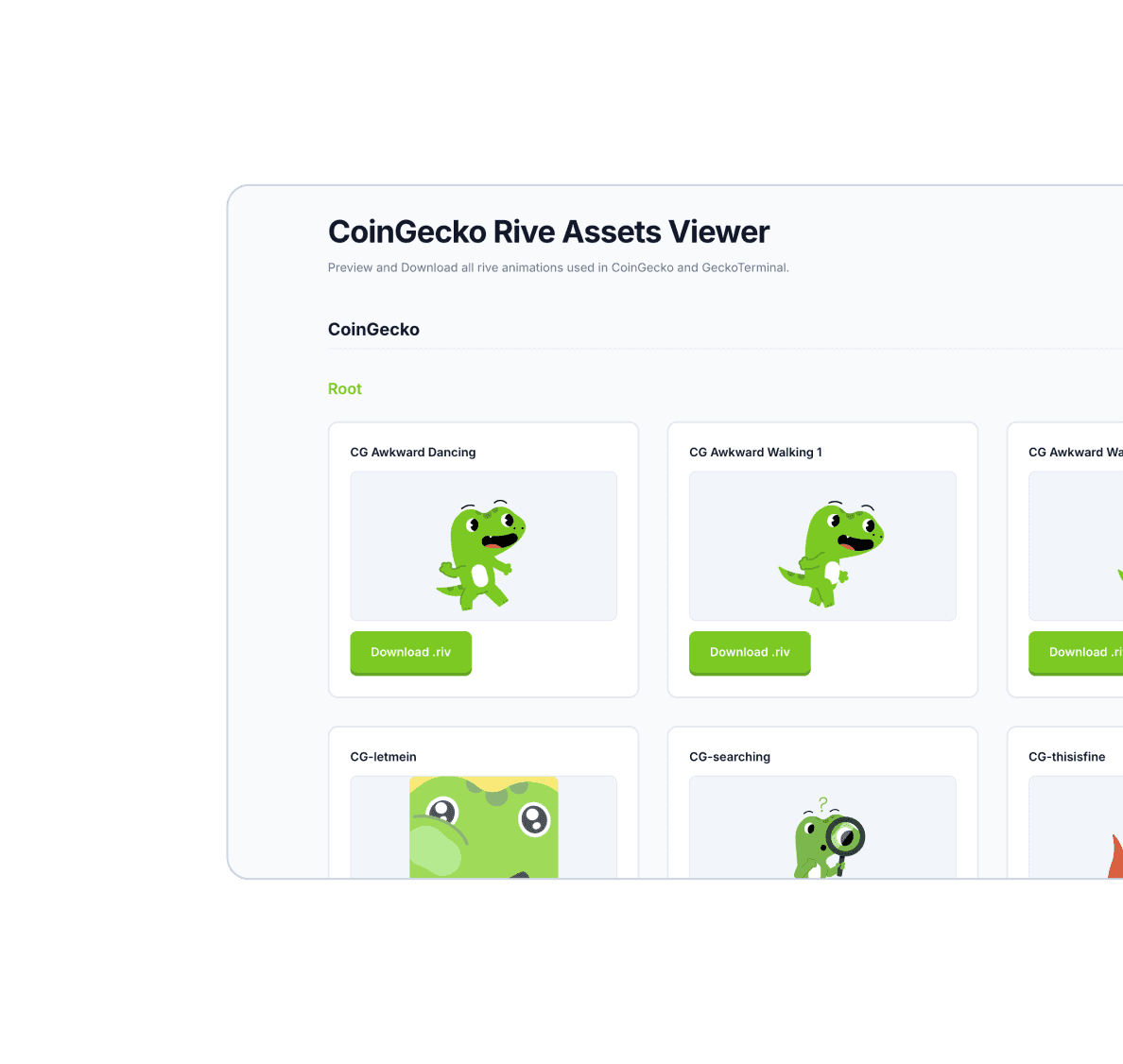
We worked with engineers to bring these patterns into Neptune, our design system. Each transition, timing and animation were stored in a central library.
Reusable states and implementation guidance reduced the need to redesign animations for other designers to recreate those animation. This also helped our App and Web's animation become more consistent.
.swap-row-enter {
  animation:
    slide-in 0.5s cubic-bezier(0.2, 0, 0, 1),
    transaction-fade 2s ease-out;
}

@keyframes slide-in {
  from {
    opacity: 0;
    transform: translateY(-12px);
  }

  to {
    opacity: 1;
    transform: translateY(0);
  }
}
DESIGN SYSTEM
For example, when there are large amount of streaming information, too much motion can cause discomfort.
In a prototype of the Transaction Table, new transactions originally entered with a 1s slide and a 2s colour fade. Because updates arrived continuously, the prolonged movement became visually intense and could cause discomfort.
We then worked to shorten the slide to 0.5 seconds and adjust the easing curve, allowing each transaction to register at a glance before quickly settling into the table.
TIMING
TIMING
COLOUR
IMPLEMENTATION
"CSS or Rive?" was a question that got tossed a lot.
We learned quite a lot to ponder about after implementing all of the animations above.
Rive provides designers with greater control over keyframes, whereas regular css-enabled transitions provided engineers having more control over the animation. Having control over keyframes does makes it easier to maintain precise easing curves and to adhere to the principles of animation.
In Rive, timeline and animation names must be consistent and case-sensitive, especially when using React/React Native Rive Library. (We can leave it as "Default")
React Native libraries can't easily enumerate animations so it's safer to split animations into separate files. This is especially important for Light/Dark mode files where colours are different.
Art board padding and background space can cause unexpected layout issues, so export them with minimal empty padding.
State machines and timelines need to be explicitly documented for engineers on Figma files or Linear. Maintaining a shared Figma mockup was still critical to avoid confusion.


Reflection
A colour fade on the Swap Table is largely CSS-driven and requires minimal logic changes. Number transitions, however, become more complex when prices include subscripts, values switch between Price and Market Cap, compact notation changes through localisation, or virtualised table rows update out of order.
In some cases, we simplified the behaviour. For example, enabling transitions only when Market Cap was the primary metric, to preserve the UX intent without introducing disproportionate engineering complexity.
Ultimately, this taught us to weigh an animation’s visual and usability impact against the effort required to build and maintain it.
